Tired of clicking the same filters each time you’re looking for a speeds and feeds recipe? Want to create a smart way to save you time by pre-selecting your preferred filters? Use the My Filters option to save filters of your choice!
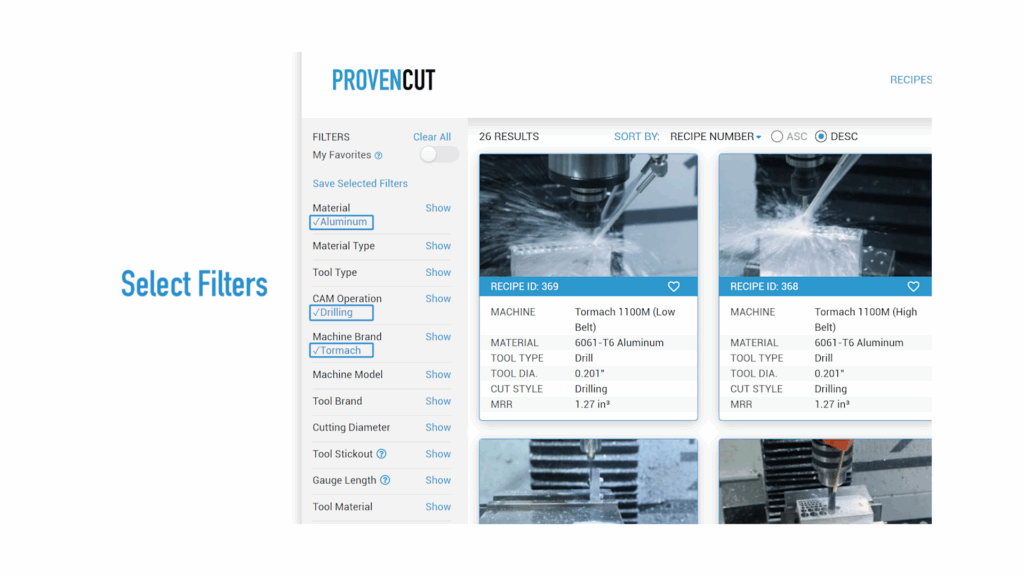
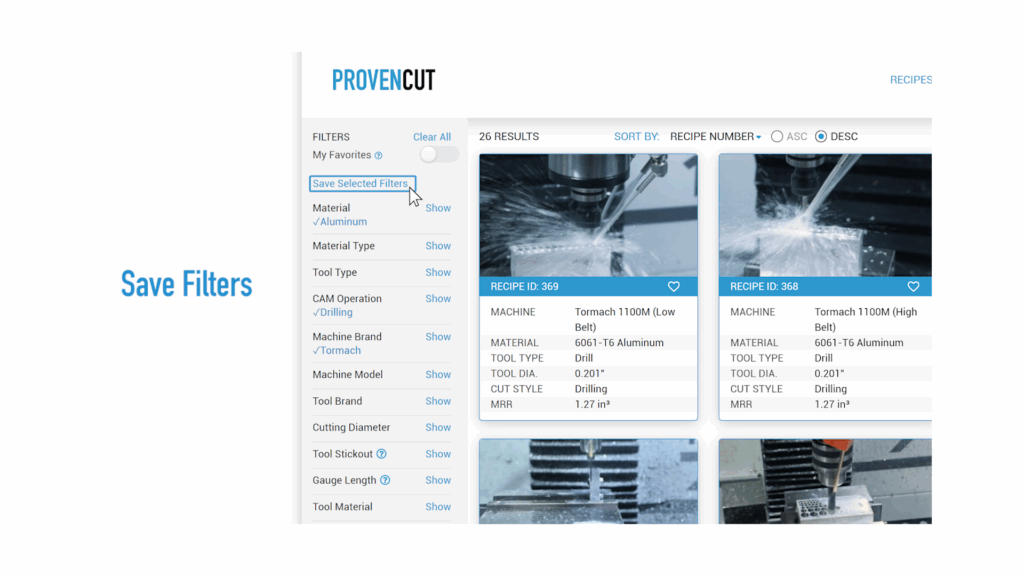
Simply select the desired filter options (as many as you want – there’s no limit!) and choose “Save Selected Filters” and name it accordingly. Some good My Filters examples:
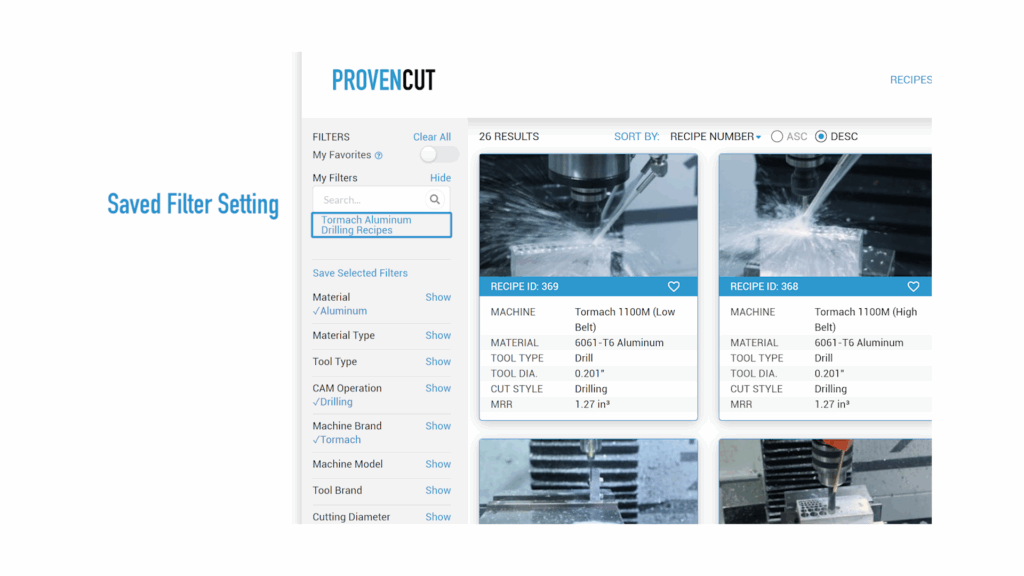
- Tormach Aluminum Drilling Recipes
- HAAS Thru-Spindle-Coolant Recipes
- Stainless Steel Adaptive Recipes
When you select one of your saved “My Filters”, ProvenCut applies the saved filter settings but then allows you to further add or remove filter options as needed.
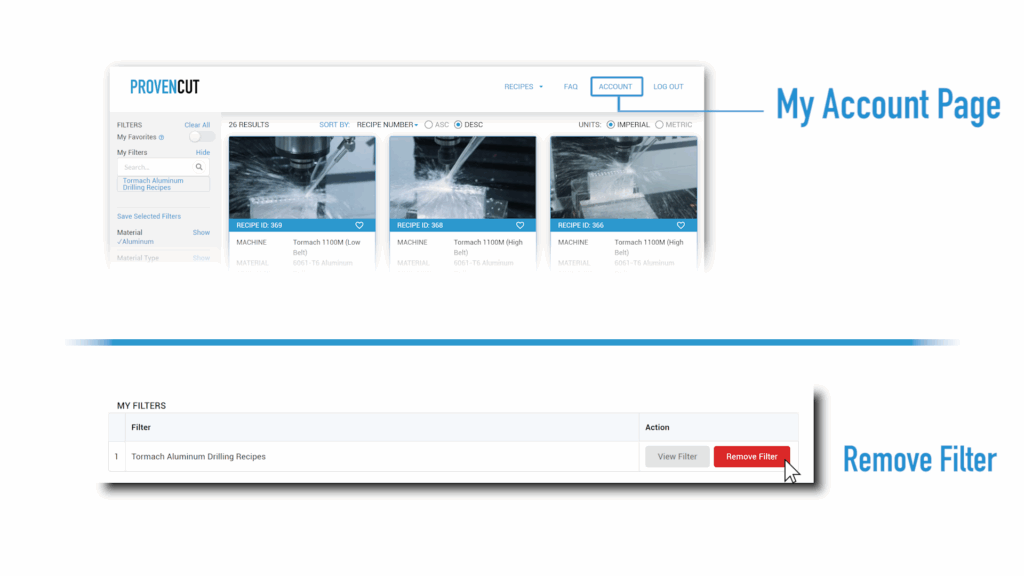
Need to re-name or delete My Filters? Edit the list under your ProvenCut My Account page!