
ProvenCut users who want access to a traditional speeds & feeds calculator now have that option. BUT WAIT–there’s more!
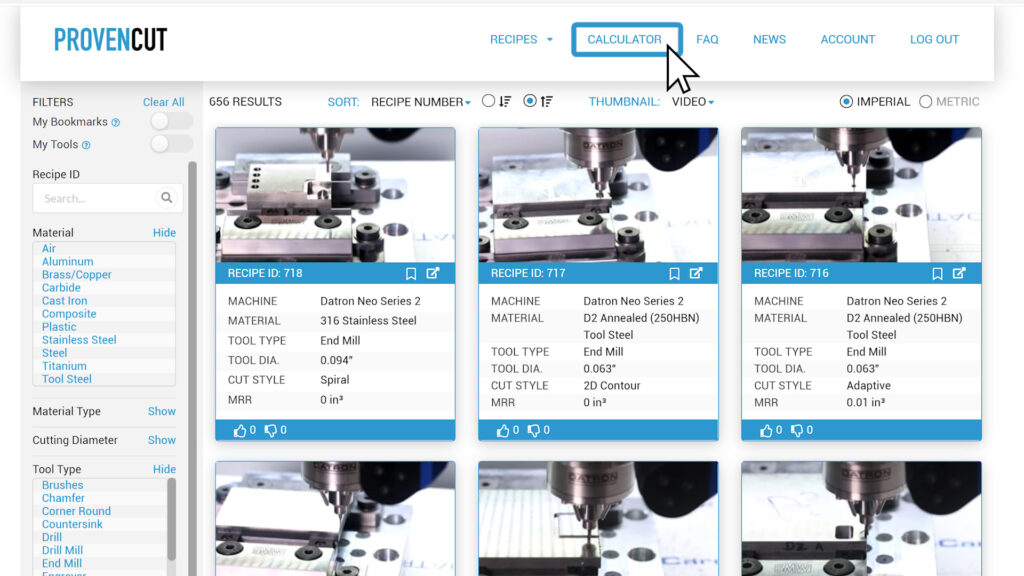
With the “Autofill Calculator with Recipe” function, modified recipes can be generated based on altering an existing recipe’s cutting criteria. This means that a users can adjust the recipe to more closely fit their specific needs.
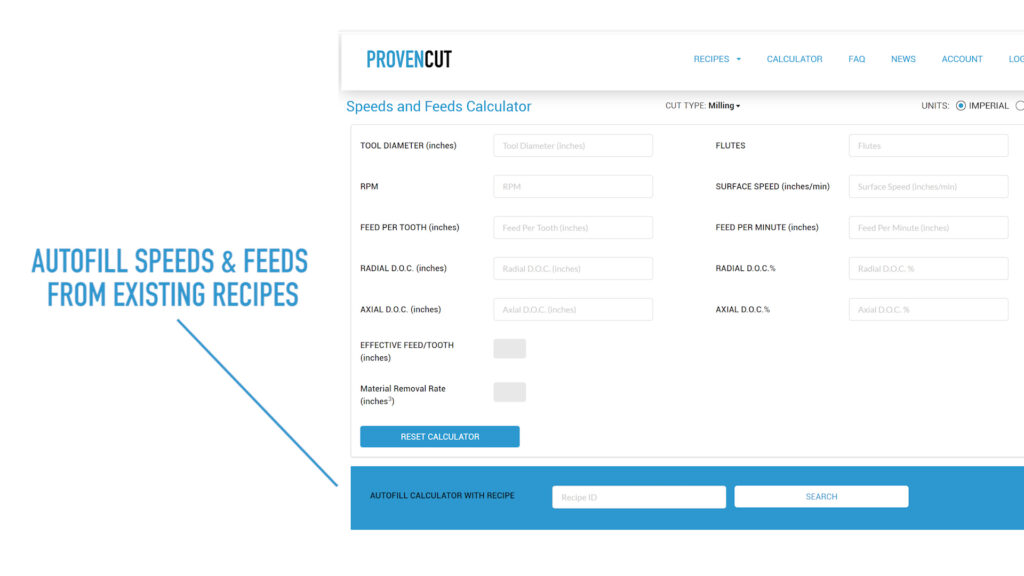
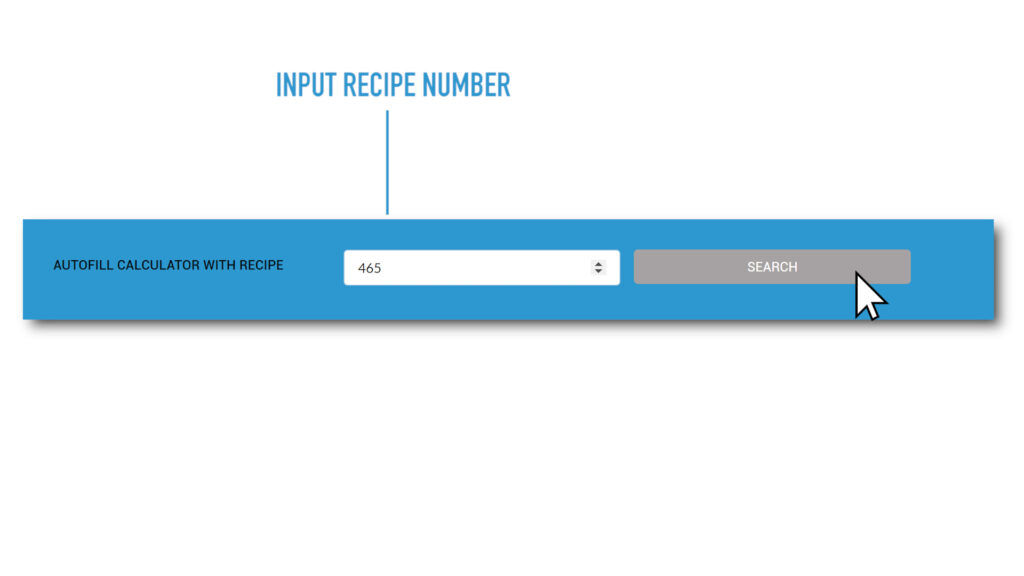
To modify an existing ProvenCut recipe, simply input the recipe number and the cutting data will automatically populate, which means no tedious typing or potential errors.
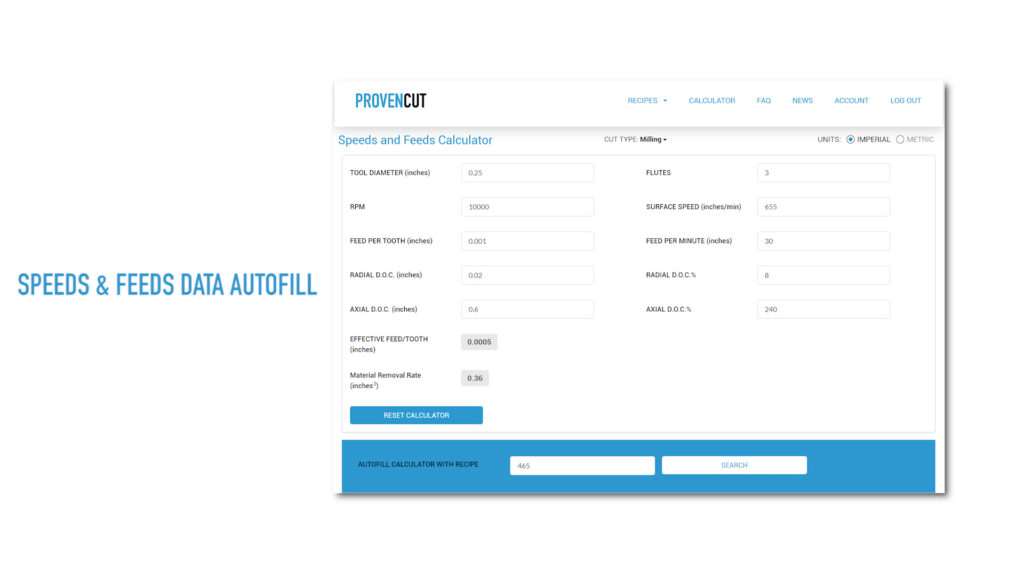
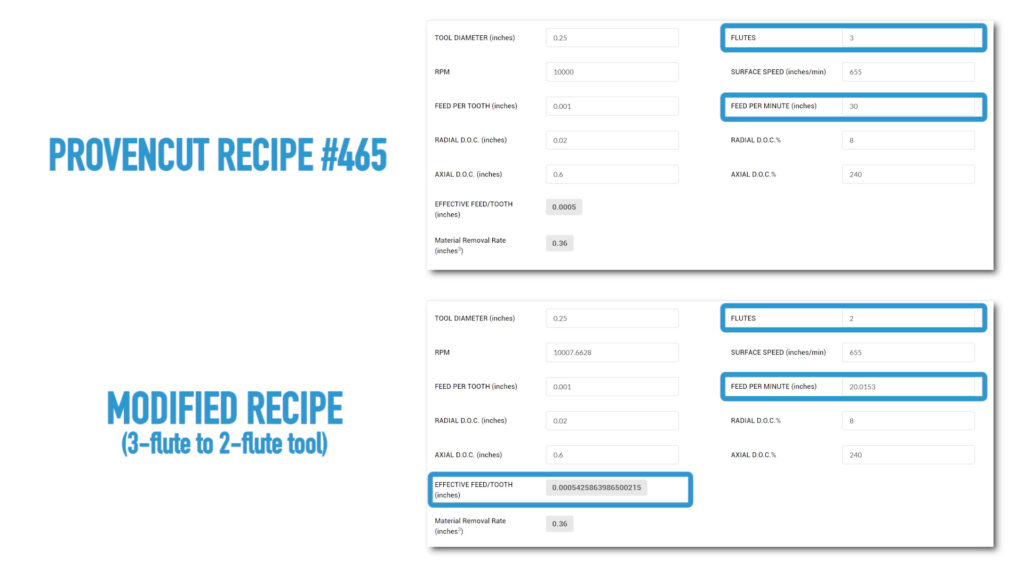
For example, if the recipe calls for a 3-flute tool but the user only has a 2-flute tool available, he or she can update that information and the remaining cutting data will update to reflect that change.
WHAT ABOUT DRILLING?
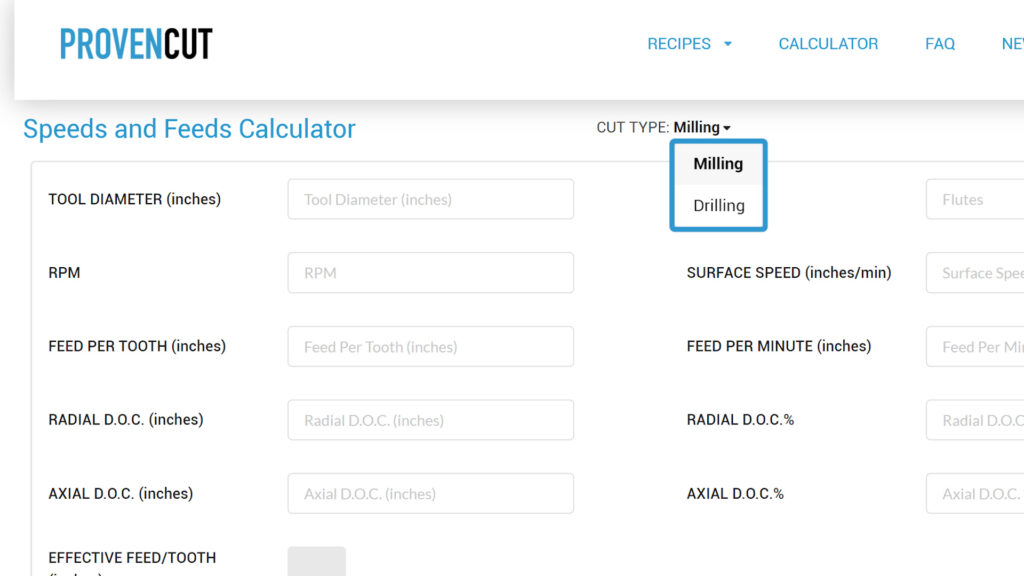
We’re glad you asked. Not only does this calculator pull data from existing recipes for modification, there are also two different calculators: one for milling and one for drilling.
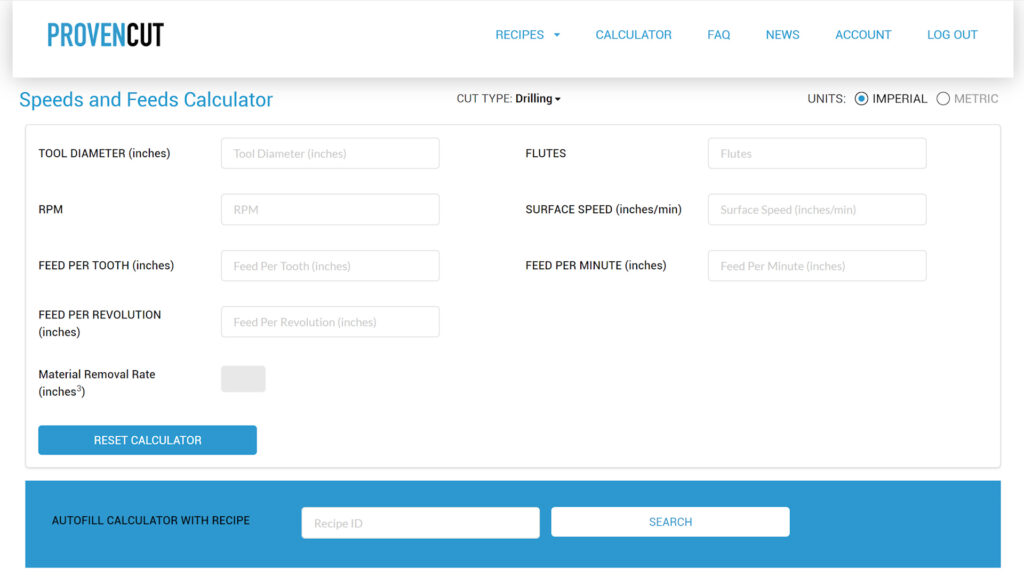
**NOTE: While the calculator will generate a recipe based on input information, modified recipes are not ProvenCut speeds & feeds recommendations.**